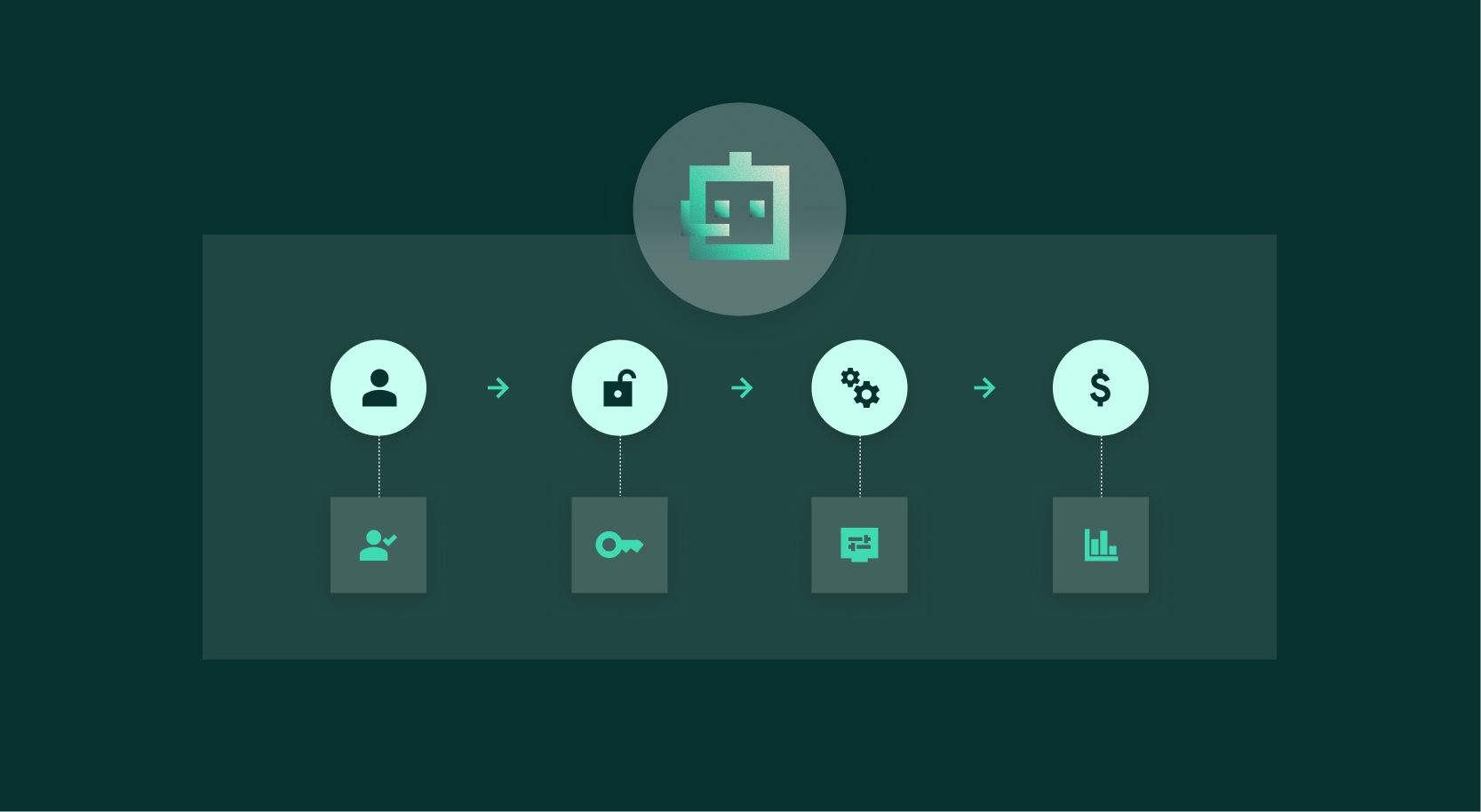
Dataiku Headless: build in your favorite coding agent, review and ship in Dataiku
October 27, 2026/5 min read/Patrick Phrayme
Coding agents like Claude Code and Codex have become part of how many technical teams work. They can read local files, use external tools, run code, and help move quickly from an idea to an implementation.
That is powerful. But when the work involves enterprise data and AI, speed is only part of the job.
A generated script can be useful to its author and still be difficult for everyone else to understand, review, or operate. The people responsible for data, models, and AI systems need to see how the work was built: what data it uses, how it flows, what assumptions it makes, and how it will run in production.
Dataiku Headless brings those two worlds together. It lets people who already work in tools like Claude Code and Codex use Cobuild to create and modify data pipelines, models, dashboards, and agents as Dataiku projects.
The result is not just code generated in a terminal. It is a visual, inspectable Dataiku project that a wider team can review, improve, govern, and deploy.
For most people building data and AI work in Dataiku, Cobuild is still the right place to start. It is built for creating, documenting, improving, and operating Dataiku projects directly in the platform. We are continuously investing in Cobuild; it now has expanded context on cross-platform enterprise data, ML models, semantic models, and can help manage third-party agents.
Headless is for a different starting point: people whose day-to-day workflow already lives in a coding agent.
They may be working across a local codebase, external systems, and Dataiku at the same time. They may want to bring information from Dataiku into a broader technical task. Or they may be looking at a workflow created outside Dataiku, like a credit-risk model a team has run in SAS for years, and want to turn it into something their organization can understand and maintain.
Headless lets them stay in that environment while keeping the Dataiku work itself where it belongs: in a shared, governed platform.
A developer or technical analyst at a telecommunications company might ask their coding agent:
“Build a customer churn model using the data in our retention project.”
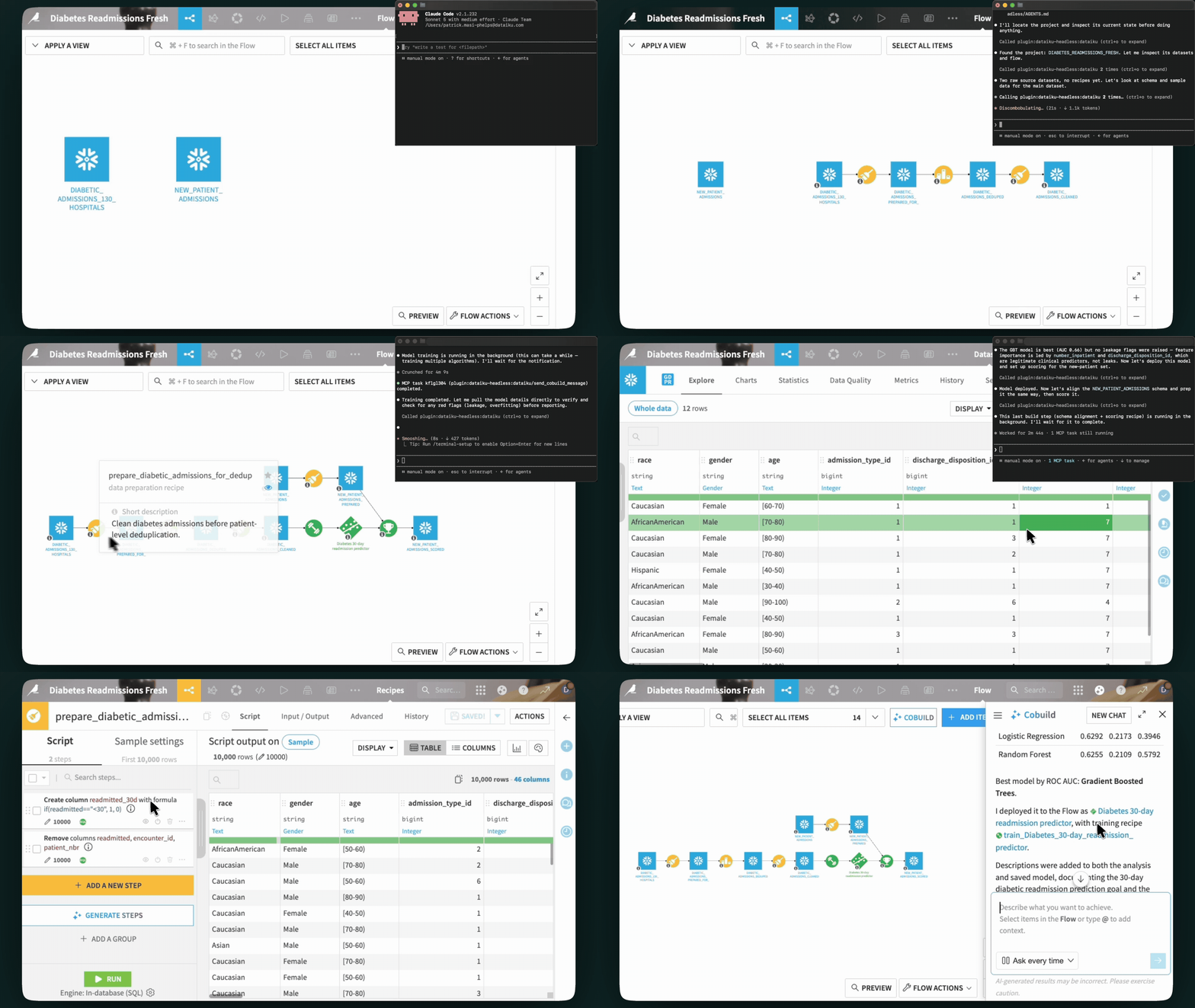
Headless can help the agent find the relevant Dataiku context and delegate the building work to Cobuild. The output appears in Dataiku as a visual flow, with datasets, recipes, models, and other assets that the team can inspect.
This matters because creating work is no longer the bottleneck. Reviewing it well is. Dataiku gives subject-matter experts and technical teams a common way to understand what an AI assistant has built—without limiting review to the relatively small group of people who can assess generated code.
Coding agents are particularly useful when the starting point is outside Dataiku: a credit-risk scorecard a bank has maintained in SAS for years, an Alteryx workflow a manufacturer uses to track defect rates on a production line, or a legacy Excel model a team depends on but no longer fully understands.
A user can ask:
“Help me migrate this workflow into Dataiku.”
The coding agent can analyze the source files and use its local execution capabilities to understand the existing work. Headless can then help it instruct Cobuild to rebuild that work as an inspectable Dataiku project.
That gives teams a practical path from a legacy workflow to a maintained, visual pipeline—rather than a one-time code translation.
Headless also includes tools for administrators who need to investigate user issues and manage parts of a Dataiku environment.
For example:
“Find the jobs that have been failing in this project and help me understand why.”
An administrator can use Headless to inspect project and job context, then determine the right next step. Administrative capabilities are primarily focused on inspection today. As with any agent operating in an administrative environment, teams should use appropriate care: a helpful assistant can speed up diagnosis, but it does not remove the need for human judgment.
Headless is the control surface a coding agent uses to inspect and operate Dataiku. When a task requires creating or changing a Dataiku project, Headless invokes Cobuild as the generative builder.
To use the building capabilities, your Dataiku instance needs Cobuild enabled and its prerequisites completed. Headless respects the permissions of the Dataiku API key used to connect, and users need the appropriate Dataiku profile and Cobuild access.
Headless is available as a plugin for Claude Code, Codex, Cursor, Snowflake CoCo, AWS Kiro, OpenCode, and other compatible assistants. You can install it through the public Claude Code or Codex plugin marketplaces, or by pointing your assistant to the Headless GitHub repository, or connect it to another assistant using the provided MCP server and skills.
After installation, open your coding agent and say:
“Set up Dataiku Headless.”
It will guide you through connecting to your Dataiku instance and save the configuration locally. To connect to another instance, follow the same setup process again.
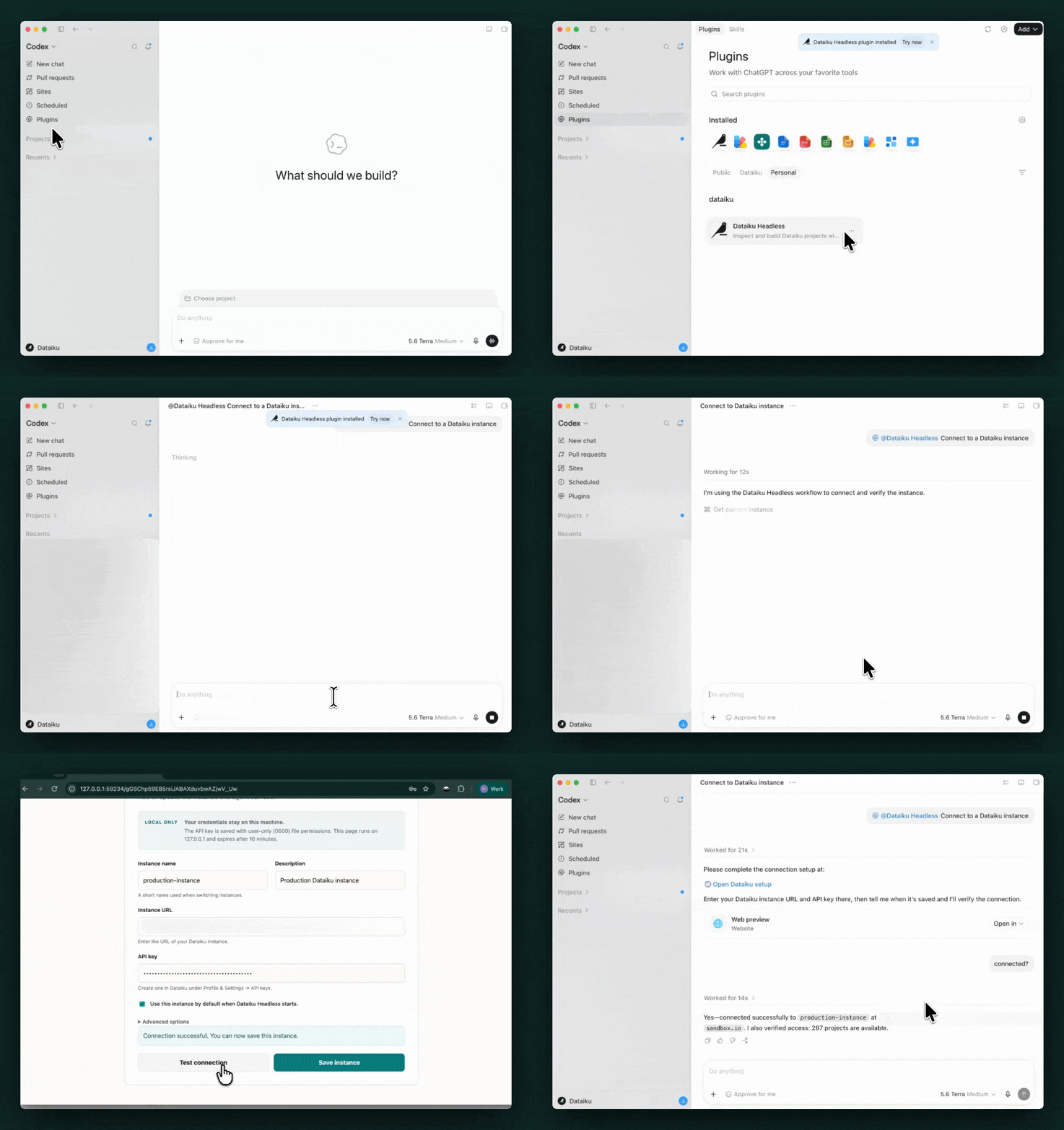
Once connected, ask your coding agent to work with a Dataiku project, investigate an issue, or help modernize an existing workflow. Headless is most useful when it helps connect the context already available to a coding agent—local files, external systems, and technical tools—to the governed data and AI work happening in Dataiku.
Start Using Dataiku Headless
Transform your Excel workflows into Dataiku today.
Tags